documentation platforms with native AI search and assistant features
Native AI search and assistants now serve both human readers and machine agents equally.
Documentation platforms now answer to two distinct readerships, and those readerships want almost nothing in common.
Why documentation platforms now serve two fundamentally different audiences
Human readers browse. They scan headings, scroll past what doesn't apply, and lean on a sidebar or a search bar to find the one paragraph that answers their question. AI agents do something else entirely: they retrieve content programmatically, parse it for structure, and act on what they find, often as a single step inside a larger task like writing code or answering a support ticket. Human browsing and agent retrieval are two different consumption models, and a documentation platform now has to serve both at once.
The agent side of that equation is not a rounding error. Mintlify's internal analytics show that nearly half of traffic to documentation sites now comes from AI agents, including Cursor, Claude Code, ChatGPT, and Perplexity. That figure alone reframes what a documentation platform is for. It is no longer a publishing tool for a human audience that occasionally gets indexed by a search engine. It is infrastructure that a growing share of non-human traffic depends on to complete tasks correctly.
The two audiences also have incompatible appetites for format. Human readers want clarity, a sensible navigation structure, and worked examples they can adapt. Agents want clean Markdown, structured outputs, machine-readable indexes, and endpoints they can query through a protocol rather than a browser. Optimize only for the first group, and an agent attempting to parse a heavily styled HTML page may miss or mangle the content it needs. If you optimize only for the second, the technical writers and PMs who keep the docs current end up maintaining something hostile to their own workflow.
That tension is why "AI-powered documentation" has started to mean something specific rather than serving as a catch-all marketing phrase. The relevant question for a team evaluating a platform is not whether it has AI features bolted on somewhere, but which audience those features were built to serve, and whether that matches the audience the team needs to reach.
The four layers "AI documentation" describes
The phrase "AI documentation platform" gets used to describe at least four different capabilities, and they sit at different points in the documentation lifecycle.
The first layer is the AI-native publishing platform itself: the product that handles authoring, publishing, API references, and structured delivery in one place. This layer serves both audiences by design, because the same published content has to reach a human browser and an agent's retrieval call.
The second layer is the AI writing assistant, which some people call a code-to-docs generator. It turns pull requests, code diffs, or OpenAPI specs into draft content, and then it hands that draft off to a publishing system. This layer serves the person writing the documentation. It has nothing to do with how a reader or an agent later consumes the finished page.
The third layer is retrieval and LLM infrastructure that sits on top of documentation that already exists elsewhere. It indexes content across sources, exposes MCP servers, and powers chat experiences through Slack, Discord, or an API, all without requiring a team to migrate its publishing platform. This layer serves agents and readers at once, but it never touches the authoring workflow upstream.
The fourth layer is in-docs AI chat: an assistant embedded in the published site that answers a reader's question on the spot, using retrieval-augmented generation against that site's own content. This layer exists for the human reader at the exact moment they get stuck.
A platform can be excellent at one of these layers and simply absent from another, and the "AI-powered" label on a pricing page gives no indication of which layers are actually present. If you buy a tool built for the wrong layer, it does not fail loudly, it just fails to move the metric you actually cared about.
What MCP support and llms.txt change about agent access
Whether an AI coding tool or answer engine can query a team's actual, current documentation instead of falling back on whatever a model happened to learn during training now depends on two standards: MCP, short for Model Context Protocol, and llms.txt.
MCP gives tools like Cursor, Claude Code, and Windsurf a standardized way to query documentation while a developer is mid-task, so they pull in the current API reference instead of a stale memory of one. A platform without MCP support is structurally excluded from these agentic workflows. That exclusion holds regardless of how strong that platform's human-facing search is, because the agent was never going to use that search bar.
llms.txt works differently: it is a structured file that hands an AI agent a curated index of a site's content, a lightweight summary of pages with descriptions and links, so the agent can discover what exists and go fetch it. If a platform generates and hosts these files automatically, you need far less manual work to keep the agent-facing layer current and separate from the human-facing pages.
Format matters as much as discovery.
The consequence is straightforward: a documentation site without MCP support and llms.txt can still be excellent for the people reading it directly, while remaining invisible or unreliable to the agent workflows that now account for a large share of documentation traffic.
Basic RAG versus agentic retrieval and answer quality
Retrieval-augmented generation gets marketed as the fix for AI hallucination: ground the model in your own documents, and it stops making things up. That claim holds only part of the time, and the part it leaves out is where answer quality actually breaks.
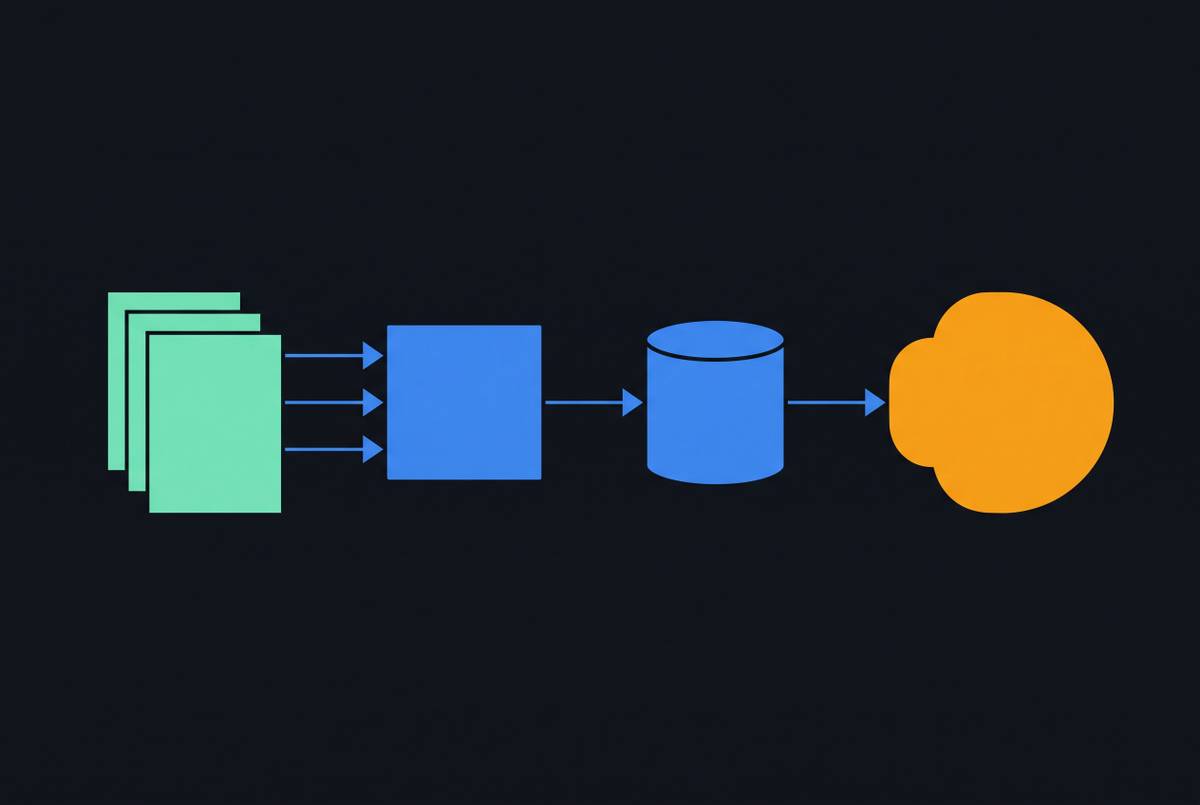
Basic RAG retrieves context once, before generating a response. If the document it retrieves is wrong, partial, or simply out of date, the answer comes out confidently wrong anyway. The model itself isn't hallucinating in that scenario. The retrieval system handed it bad material and it did what it was asked to do with that material.
Agentic retrieval lets a system reason across multiple retrieved pieces in sequence, which shows up in multi-step technical questions where the answer depends on combining an API reference with a configuration example from a separate page.
What follows from this is that the most common failure in a documentation AI assistant is rarely the model inventing facts. It is the retrieval layer surfacing the wrong document, an incomplete one, or one that hasn't been updated since the underlying API changed. Framed that way, documentation freshness and organization become maintenance problems to be solved by the people who own the content, not problems a bigger or smarter model can quietly absorb.
Trustworthy retrieval also needs a real "I don't know." An answer with no citation attached is not verifiable by the reader, no matter how confident it sounds.
AI traffic analytics close the feedback loop static publishing leaves open
Standard web analytics were built to answer human-browsing questions: which pages got views, how long a session lasted, where someone clicked next. None of that tells a team which AI agents are visiting its documentation, which pages those agents are actually pulling from, what queries they're running, or where their retrieval stalls out.
AI traffic analytics, the ability to separate agent visits from human visits and see exactly which agents are reading which pages, fills a gap most teams haven't had to think about before. That visibility tells a documentation team which pages are actually driving agent behavior in practice and, just as important, where retrieval is coming up empty.
That matters because unanswered questions are a maintenance signal, not just a missed interaction. A gap between what agents and humans are asking and what the documentation actually covers shows up in platform analytics as a signal of what needs to be written or updated next, but only if the platform surfaces that gap instead of letting the failure pass silently. One might ask what happens to that signal on a platform that doesn't separate agent traffic at all: the gap still exists, it's simply invisible, and a team has no way to know retrieval is failing until a customer or a frustrated developer says so directly.
The loop this closes runs in one direction: an agent issues a query, a retrieval gap gets detected, the documentation team prioritizes the fix, the content improves, and retrieval improves on the next pass. That loop only closes if the platform makes the failure visible. If that visibility is missing, the loop raised in the RAG discussion above stays open indefinitely, no matter how good the underlying retrieval architecture is.
Platform-by-platform breakdown of how these layers are implemented
No platform currently covers all four layers with equal depth, and the right choice depends on which layer is actually the bottleneck for a given team's documentation workflow.
Mintlify is positioned as an AI-native documentation platform built around agent access, and it covers all four layers inside a single product: publishing, AI-assisted maintenance, in-docs AI chat built on agentic retrieval, MCP support, llms.txt, llms-full.txt, and skill.md generation, Markdown delivery, and AI traffic analytics. Its customer roster includes Anthropic, Coinbase, HubSpot, PayPal, and Microsoft, which suggests adoption at a scale where developer experience and agent readiness are both non-negotiable requirements rather than nice-to-haves. Its AI traffic analytics distinguish agent visits from human visits and show which pages agents access most, so the feedback loop closes inside the same product that publishes the docs. It fits software teams that want publishing, API references, agent readiness, in-docs chat, and maintenance analytics under one roof, without assembling separate tools for each layer.
GitBook ships a proactive AI Agent, currently in beta, alongside an embeddable AI Assistant, auto-generated MCP servers, and llms.txt output, making it one of the few platforms covering all four layers inside a managed product. The Agent connects to GitHub issues and pull requests, Slack, and Linear, pulling signals from conversations and code changes to catch documentation drift before a reader ever notices it, which puts the maintenance layer to active use rather than leaving it passive. The Assistant is a separate capability from the Agent, and you can deploy it beyond the documentation page itself. Its pricing splits these capabilities across tiers: the free plan includes llms.txt and MCP server access but excludes AI writing, AI search, and the Assistant; Premium unlocks AI writing and AI search; Ultimate unlocks the Assistant and external embedding. You should check that tiering against your actual feature needs, because some capabilities that read as central to the AI documentation pitch sit behind the higher tiers.
Kapa occupies a different position entirely: a retrieval layer rather than a full platform, sitting on top of documentation a team already has and making it queryable through Slack bots, Discord bots, and APIs without requiring any migration. Its distinguishing features are an explicit "I don't know" capability designed to decline rather than guess, citations attached to every answer, and coverage-gap analytics that surface where the documentation falls short. It can ingest GitHub source code, PDFs, and support tickets alongside prose documentation, and that matters for developer-facing teams, because the real ground truth often lives in code and API specs rather than written prose. It fits teams that want accurate, cited AI answers layered onto docs they already publish elsewhere, without a platform migration, when answer accuracy is what decides the choice. It does not address authoring, publishing, or agent-readiness directly, because that was never its job.
Algolia takes a search-infrastructure-first approach: a fast, widely adopted search platform, with DocSearch and Ask AI adding an AI layer on top of search results that were already well-ranked before AI entered the picture. DocSearch offers a free tier for technical documentation sites and blogs generally, not only for open-source projects, with usage-based paid plans beyond that. The tradeoff is that assembling and managing the AI stack, including LLM API keys, model selection, token limits, and prompting, falls on the team rather than the platform.
The platform-native versus stack-agnostic tradeoff teams face
The sharper disagreement among practitioners has little to do with which platform has the flashiest AI feature list. It comes down to whether a team should centralize its documentation infrastructure inside one platform or assemble specialized tools for each layer separately.
If you consolidate into one platform, you get fewer integration points, a single source of truth that both human and agent audiences draw from, and a maintenance loop that closes inside one system rather than across two tools running on different update schedules.
The case for assembling a stack runs the other direction. A team with an established publishing workflow can add a retrieval layer on top of it without migrating a single page. A specialist tool like Kapa can outperform a bundled retrieval feature on specific accuracy dimensions, since that is the entire product it's built to do well. And there's no lock-in cost waiting on the other side if the publishing platform itself needs to change later.
A second, related disagreement splits along editorial versus engineering control. Platforms like GitBook lean toward a visual, block-based editor, so writers and PMs can use it without pulling in a developer. Docs-as-code platforms lean toward Git, CLI, and pull-request workflows that developers already live in day to day. These reflect genuinely different editorial philosophies, and a mixed team of writers and engineers often needs both, but if it does, it must avoid ending up with two competing sources of truth for the same content.
Evaluation criteria by layer
The sources checked for this guide are listed below.