How to Wire GitLab CI Into Your Documentation Pipeline
Bring documentation updates into your CI/CD pipeline as gated, versioned artifacts.
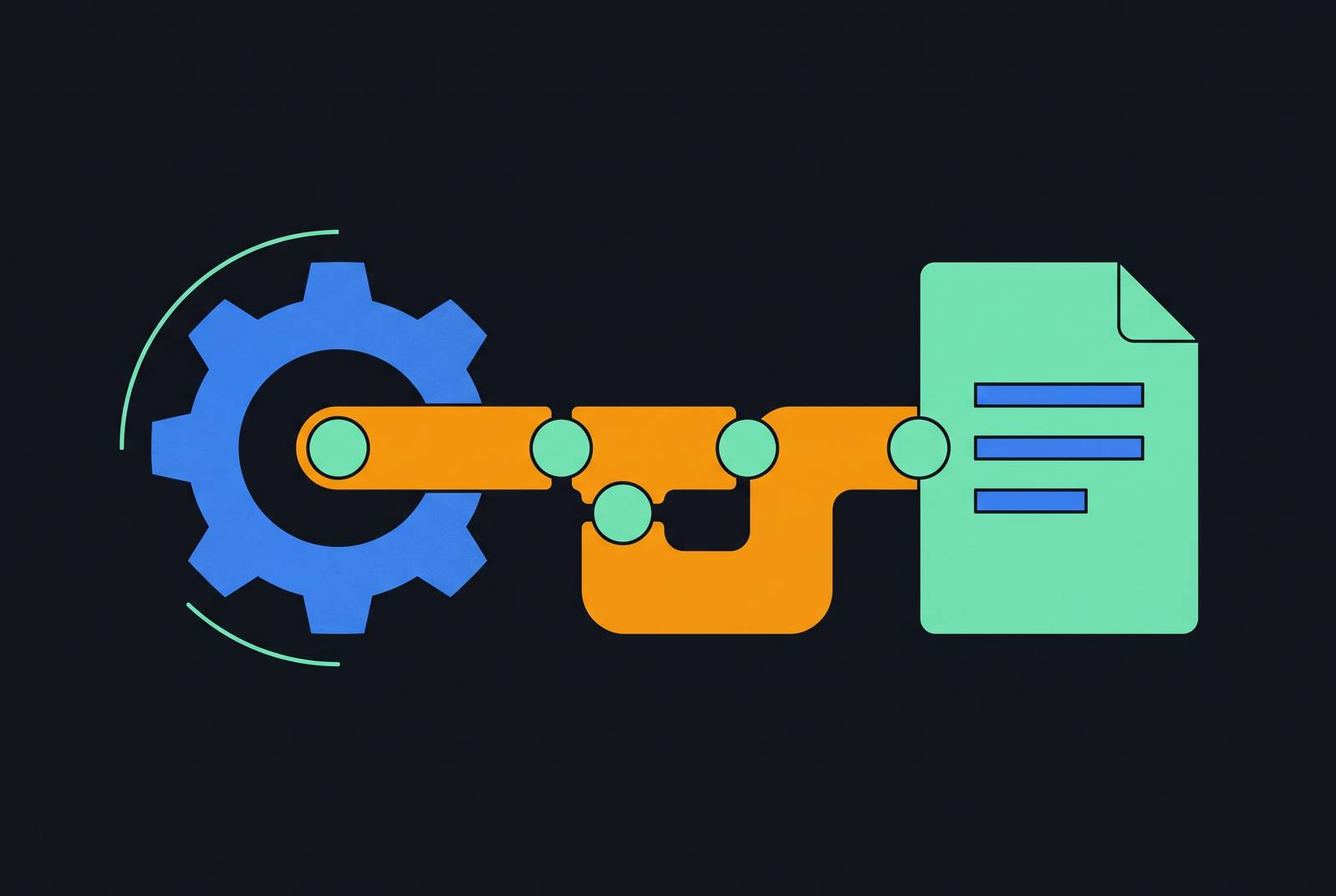
Documentation belongs in the same delivery process as the product it describes. Wiring it into GitLab CI brings versioned source, review, quality checks, and deployment into one workflow, so they no longer have to be handled separately. The reliable pattern is to treat the built documentation as a first-class artifact, then preserve that artifact through deployment and into the tools that consume it.
Why documentation drifts apart from code and what that costs teams
When code passes through automated checks but documentation depends on someone remembering to update a wiki, the two have different release conditions. A product change can invalidate its explanation immediately. Under deadline pressure, the code can ship while that explanation remains untouched. Users then encounter instructions that no longer fit, while engineers spend time reconciling the documented behavior with the implementation.
The failure is structural. A reminder cannot act as a release gate. Nor does moving Markdown into a repository, by itself, establish that gate. Documentation needs checks that can block delivery, a build that produces a deployable output, and a handoff that preserves that output. GitLab CI provides the structure for those steps, beginning with the relationships between its jobs.
How a GitLab CI pipeline is structured before adding documentation to it
GitLab CI/CD Jobs defines jobs as top-level entries in .gitlab-ci.yml, each with a unique name and either a script or a trigger section. Runners run those jobs, and stages group them in the order they run. Jobs within a stage can run in parallel. Under ordinary stage ordering, a failure blocks the next stage, which makes an earlier documentation check an enforceable gate.
GitLab CI/CD YAML syntax reference distinguishes global keywords, including stages, workflow, default, include, and variables, from settings for individual jobs. For the documentation pipeline, rules decides which jobs enter a run, while needs describes dependencies that can override ordinary stage ordering. Data movement has its own distinction. Artifacts are saved outputs passed downstream, whereas cache is a best-effort aid for reusable dependencies. A missing cache must not make the build incorrect, and a deployable site must not depend on finding yesterday’s cached directory.
The case for treating documentation as a pipeline artifact from the start
A documentation artifact gives a merge request a concrete output to review and promote. Markdown or reStructuredText enters as source, passes through checks and a build, and leaves as a static site. The review principle is parity with application code. If an API changes, its explanation belongs in the same review. Required documentation checks can then participate in the decision to accept that change.
There is an important limit to that guarantee. A pipeline enforces the checks it contains. Prose linting and a successful site build do not, alone, prove that an API description is complete. Keeping documentation synchronized therefore combines code-and-doc review with automated gates, rather than treating a green build as proof of semantic accuracy.
The main example here uses MkDocs, which takes Python and Markdown and builds a static output directory. Sphinx offers the corresponding Python toolchain for reStructuredText. Both fit the same artifact lifecycle. To contain overhead, documentation jobs can use rules with changes targeting docs/**/*.md, so work follows actual documentation changes. The resulting stage sequence is lint, then build, then deploy.
Configuring workflow and rules to prevent redundant pipeline runs
A push to a branch with an open merge request can produce both a branch pipeline and a merge request pipeline without explicit controls. That duplication adds runner work without adding assurance. The YAML reference assigns workflow the pipeline-level decision, while job-level rules decides which jobs exist inside an accepted pipeline.
The workflow guard admits merge request pipelines, suppresses the competing branch pipeline when a merge request is open, and allows branch pipelines otherwise. Within that foundation, rules with changes targeting docs/**/*.md limits documentation lint and build work to changed Markdown files. The deprecated only and except keywords are not the basis for this configuration. Deployment adds a separate condition, namely $CI_COMMIT_BRANCH == "main", while review builds remain available before promotion.
A filter for Markdown changes saves work, but it cannot require documentation work when only code changes. Build rules must also cover the merge request pipelines that workflow allows, so they need more than a branch condition meant for branch pipelines.
The lint stage as a gate for prose quality and link integrity
The lint stage checks whether documentation is fit to move on, beyond what a site generator checks when it renders the site. Vale applies configurable prose rules and reports violations at a severity level the team controls. The blocking threshold lets those rules stop work from moving on. Without it, “docs as code” can amount to little more than storing prose beside source files while allowing known problems through.
The docs-lint links job runs on its own and checks links, including anchor links. Links requiring a network connection are skipped so that isolated runner environments produce deterministic results. That choice defines the check’s boundary. Passing it establishes that the links within its scope passed. Prose and link checks are independent jobs, so they can share the lint stage without depending on each other.
Custom lint rules also need scrutiny, because an ineffective rule can make a green result misleading. Vale’s October 2026 release introduces vale test for testing rules in CI, with test cases beside the rules and a failure when a rule matches nothing. In the first stage-ordered design, both lint jobs must pass before the build starts.
The build stage and the artifact handoff downstream
The build job has one responsibility, which is to construct the self-contained static site and declare it as an artifact. Its job name, docs-build, identifies that producer for downstream consumers, while stage assigns it to build. The image value python:latest supplies the environment for the MkDocs example. The script installs the toolchain with pip install mkdocs mkdocs-material, then runs mkdocs build --site-dir public. The resulting public/ directory is the output to preserve.
Each keyword serves a different part of that contract. script creates the site, but does not by itself establish the downstream handoff. The artifacts configuration declares public/ as the saved output. The YAML reference defines successful completion as the default condition for attaching artifacts, with other settings available for failure or unconditional attachment. For deployment, the relevant product is the output of a successful build.
Dependency reuse belongs in a different part of the job. The pip install directory belongs in cache, while only the static site belongs in the artifact passed forward. Cache improves repeat-run speed when it is available. It does not establish which site is being deployed, and the build must remain viable without it. This separation prevents an optimization from becoming an undeclared delivery dependency.
The deploy job then consumes the saved site. In the stage-ordered design, its dependencies setting names only docs-build, avoiding unrelated artifacts from earlier jobs. Its rules allow promotion only to main, while the build’s rules let outputs be reviewed before merge. The governing discipline is to build once and pass that artifact downstream, never to rerun mkdocs build during promotion. Otherwise, the reviewed output and the deployed output are no longer the same handoff.
Using needs to overlap independent lint and build work
Stage ordering is easy to reason about, but it waits for every job in an earlier stage. A documentation build may therefore wait for a link check even when its required prose check has already passed. The YAML reference defines needs as a way to run jobs earlier than stage ordering permits. It turns the pipeline into a directed acyclic graph whose edges show which jobs depend on which others.
The graph can be read as two initial branches. The prose or Markdown lint job and the link check start independently, while docs-build declares needs on docs-lint-markdown. As soon as that lint job passes, the build can begin without waiting for the link check. Build and prose lint remain sequential in this design.
A deploy job that declares only needs on docs-build does not express a dependency on the independent link check. To retain blocking link validation, deployment must wait for that required check as well as the build. The longest required path sets how long the pipeline takes, and the artifact still has to pass all required checks before release.
Scoping the pipeline to child repositories with parent-child pipeline triggers
Teams with a single documentation repository can skip this extension. Distributed ownership introduces a different boundary, where component repositories contribute to a central site but should validate their own contributions first. Each contributing repository validates its mkdocs.yml and runs a local test build before triggering the central pipeline. This catches contribution errors before they propagate into the combined site.
A contributing repository may be called a child repository, but triggering another repository’s pipeline is distinct from creating a parent-child pipeline from included configuration. The YAML reference defines trigger as the job keyword for downstream pipelines. It also supports trigger with include and artifact to create a child pipeline from a configuration file generated as a job artifact.
For the cross-repository setup described here, the contributing repository must be added to the Token Access section of the central repository’s CI/CD settings. Access alone does not preserve the quality gate. The trigger job’s strategy value depend makes the initiating pipeline reflect the downstream pipeline’s status. Without that link, a trigger that succeeds can hide a downstream build that failed, so the contribution looks successful even though the central site could not accept it.
Sharing pipeline configuration across projects with include, extends, and CI/CD components
Once several projects use the pattern, their copies of the YAML can drift apart too. With shared definitions, projects can use the same lint rules, build image, and artifact configuration. The YAML reference defines include for importing configuration from local, project, remote, template, and component sources. The extends keyword then composes job configuration from reusable bases, including dot-prefixed hidden jobs.
GitLab CI/CD inputs adds typed parameters that are checked when the pipeline is created. A shared MkDocs component can expose a validated site-dir input rather than relying on an unrestricted environment variable. Unexpected inputs are rejected before jobs start. That distinction is useful when the shared configuration needs a stable interface, because consumers can customize the intended choices without silently changing the component’s assumptions.
There are two legitimate routes to that interface. Starting with local YAML simplifies development and reveals the team’s actual requirements before abstraction. Centralizing from the start establishes shared controls earlier, but requires versioning discipline, access control configuration, and a dedicated maintainer. Pinning an include to a tag such as v3 makes upgrades deliberate, although incompatibilities may remain unseen until a consuming project upgrades. The choice depends on whether the team can support the shared configuration as a maintained dependency.
What breaks when the pipeline is in place but the docs are not wired into the tools that use them
A deployed site can be current while its consumers remain stale. The pipeline establishes how source becomes a reviewed, checked artifact, but it does not establish which version a support tool, AI agent, or onboarding workflow uses. That is a separate integration boundary. If those systems need someone to visit a portal or refresh a copy, the handoff still has to be done by hand, just further downstream.
For teams shipping with AI agents, that gap is especially consequential. An agent can reason from documentation that was accurate last week without revealing the mismatch until it gives a wrong answer. The next step is to connect the pipeline output to the tools that need searchable, actionable knowledge, so that current documentation enters their workflows automatically.
Versioned, reviewed, and automatically deployed documentation provides the necessary foundation for that connection. It gives downstream systems an identifiable output to consume. A documentation delivery process reaches its practical goal when the current output informs the work.